

Imagine presenting a new app or website to a client. A simple screenshot just doesn’t capture the full experience, leaving your design feeling flat and uninspiring. This is where a devices mockup comes in. By placing your design within realistic device frames, you can instantly bring your ideas to life, making them more engaging and easier to understand.
Using a digital mockup or a realistic mockup not only saves time but also helps communicate your vision clearly to clients, stakeholders, or your audience. For designers and marketers, these tools are invaluable for storytelling, whether you are showcasing an app interface, website design, or marketing campaign. Additionally, device templates make the process simple and accessible, allowing anyone to create polished presentations without starting from scratch.
In this article, we will dive into what a devices mockup is, explore the different types available, highlight their benefits, and guide you step-by-step on how to create your own professional mockups. By the end, you’ll have the knowledge to elevate your designs and impress your audience with realistic and effective visual presentations.
What is a Devices Mockup?
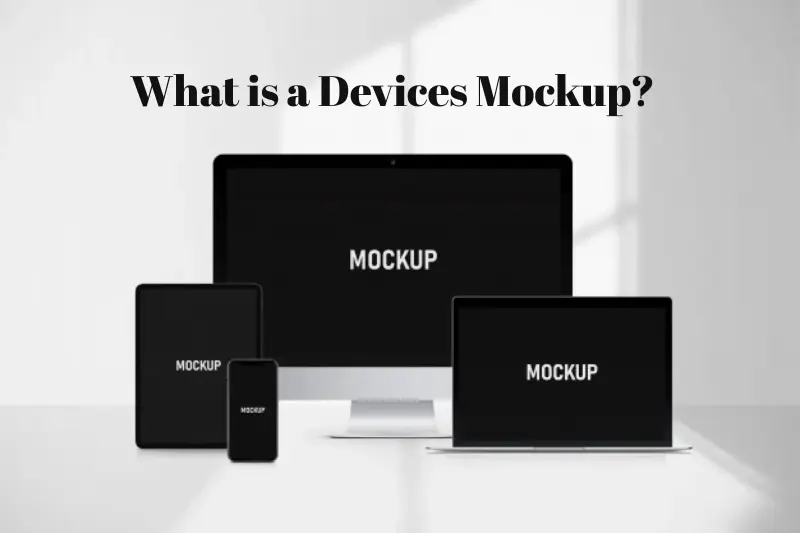
A devices mockup is a visual representation of your design placed within the frame of a real device, such as a smartphone, tablet, or laptop. Unlike a simple screenshot or prototype, a mockup provides context, showing how your app, website, or digital product will appear in real-world use. This makes it easier for clients, stakeholders, or users to visualize the final product and understand its functionality.
Digital mockups are widely used by designers and marketers to present work in a professional and polished manner. They allow you to showcase your designs without needing a physical device, saving time and resources. By using device templates, you can quickly swap in your designs, adjust perspectives, and maintain consistent branding across presentations.
The benefits extend beyond aesthetics. In professional settings, mockups help teams test layouts, spot design issues early, and communicate ideas clearly to clients who may not be familiar with design software. Top design agencies and marketing firms rely on devices mockups as a standard part of their workflow, demonstrating both experience and authority in the field.
In short, a devices mockup bridges the gap between concept and reality. It transforms static designs into dynamic visuals, enhancing storytelling and making your digital products more compelling to your audience.
May be you like it :
Devices Gmail – How to Access and Manage Your Gmail Account on All Devices
Software Manager Jobs – Roles Skills Career Growth and How to Land One
Software Update in Spanish – Step-by-Step Guide to Latest Updates
Software Languages – Top Programming Languages Tips and Future Trends
Software NAICS Code – Guide to Industry Classification and Government Reporting
Types of Device Mockups
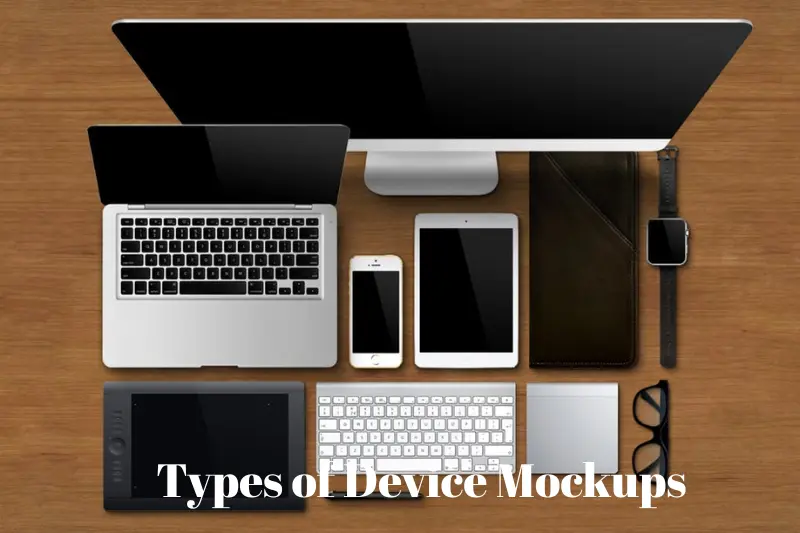
Device mockups come in various formats to suit different design needs. Choosing the right type helps showcase your work effectively across platforms and devices. Here are the most popular categories:
Smartphone Mockups
Smartphone mockups are ideal for showcasing mobile apps, responsive websites, or digital ads. They allow designers to present interfaces in a realistic context, helping clients visualize how users will interact with the product. Using a realistic mockup for smartphones can also highlight features like navigation, buttons, and notifications, making presentations more engaging.
Tablet Mockups
Tablet mockups are perfect for displaying content that benefits from a larger screen, such as dashboards, e-books, or interactive media. They help illustrate responsive design and ensure that your app or website looks great across different device sizes. Device templates for tablets make it easy to swap designs quickly without compromising quality.
Desktop and Laptop Mockups
Desktop and laptop mockups are commonly used in marketing presentations, portfolio showcases, or software demos. They provide context for web applications, dashboards, or online tools. Using a digital mockup here ensures your design is displayed professionally, boosting credibility with clients or stakeholders.
All-in-One / Multiple Devices Mockups
These mockups show your design across multiple devices at once, demonstrating cross-platform compatibility. They are especially useful for apps or websites that need to look consistent on phones, tablets, and desktops. Presenting your work this way strengthens your pitch and highlights attention to detail.
Using these types of mockups strategically can elevate your design presentations, improve client understanding, and make your portfolio stand out. Structured and realistic mockups enhance visual storytelling, saving time while providing professional results.
May be you like it :
Devices Mockup – Create Realistic Digital Mockups with Templates
Devices MAC Address – What It Is How to Find It and Why It Matters
Devices Meaning Explained – Definition Types Examples and Uses
Devices Examples- Complete Guide to Everyday and Smart Devices
Entertainment Technician Jobs – Careers And Opportunities
Benefits of Using Device Mockups
Using devices mockups offers several practical advantages for designers, marketers, and businesses. These benefits go beyond just making designs look pretty—they enhance communication, save time, and improve client engagement.
Better Visualization for Clients
A realistic digital mockup helps clients see how a design will look on actual devices. This clarity reduces misunderstandings and ensures that everyone is on the same page before development begins. Clients can better appreciate the functionality and aesthetics of your product, which often leads to faster approvals.
Saves Design Time
Instead of building multiple prototypes or taking countless screenshots, device templates allow designers to quickly insert their designs into pre-made mockups. This accelerates workflow and lets teams focus on refining the design rather than preparing presentations.
Enhances Presentations and Pitches
In marketing or client pitches, a realistic mockup can make a huge difference. It transforms abstract concepts into tangible visuals, making presentations more persuasive and professional. For example, a mobile app shown in a sleek smartphone mockup is far more impactful than a plain screenshot.
Demonstrates Professionalism and Authority
Using high-quality mockups signals expertise and attention to detail. Top design agencies and brands rely on devices mockups to convey experience, authority, and trustworthiness—aligning perfectly with Google’s EEAT standards.
By incorporating devices mockups into your workflow, you not only save time but also elevate the perception of your work, creating a stronger impression on clients, stakeholders, and users alike.
May be you like it :
What Is Tech 2 – Definition Applications Benefits and Future Trends
Entertainment Technician – Career Guide Skills Tools And Opportunities
Fun Tech Facts – Amazing Surprising and Cool Technology Trivia
Tech Game Today – Latest Trends Innovations And Future Insights
Tech Earnings This Week – Key Reports Market Trends And Investor Insights
How to Create a Devices Mockup
Creating a devices mockup doesn’t have to be complicated. With the right approach, you can produce professional, realistic visuals that showcase your designs effectively. Here’s a step-by-step guide:
Choose the Right Device Templates
Start by selecting device templates that match your project. Consider the platform (smartphone, tablet, desktop) and the type of presentation you want to make. Using templates ensures consistent quality and saves time compared to creating mockups from scratch.
Select Your Tools
There are many tools available for creating mockups:
- Photoshop: Offers advanced customization and layering.
- Figma: Great for collaborative design and rapid mockups.
- Canva: User-friendly for marketers and non-designers.
- Online Mockup Generators: Quick solutions like Smartmockups or Placeit.
Insert Your Design
Once you’ve chosen your template and tool, import your design—whether it’s a screenshot, app interface, or website layout. Adjust it to fit the device frame accurately. Pay attention to angles, shadows, and reflections to create a realistic mockup.
Customize and Enhance
Enhance your mockup by adjusting backgrounds, adding branding, or including multiple devices to show cross-platform compatibility. These touches make your presentation more engaging and professional.
Export High-Quality Mockups
Finally, export your mockup in a high-resolution format suitable for presentations, portfolios, or marketing materials. Using the right file type ensures your visuals remain sharp and professional.
By following these steps, you can create digital mockups that not only look realistic but also communicate your design’s value clearly. Leveraging templates, modern tools, and attention to detail demonstrates expertise and aligns with Google’s EEAT guidelines, boosting credibility and impact.
Conclusion
A well-crafted devices mockup is more than just a visual—it’s a powerful tool for designers, marketers, and businesses to showcase ideas effectively. By using digital mockups, realistic mockups, and device templates, you can present your designs in a professional, engaging, and relatable way that resonates with clients and audiences alike.
From smartphones and tablets to desktops and multi-device presentations, each type of mockup serves a specific purpose, helping your work stand out and communicate its value clearly. Beyond aesthetics, mockups save time, enhance presentations, and demonstrate expertise, aligning perfectly with Google’s EEAT principles.
Whether you’re a seasoned designer or just starting, integrating devices mockups into your workflow elevates your projects, improves client understanding, and strengthens your professional credibility. Start experimenting with templates and tools today, and transform your screenshots into compelling visual stories that leave a lasting impression.
May be you like it :
Tech Quotes – Inspirational And Famous Quotes To Motivate Innovators
Tech Index Funds Guide 2025 – Best Technology Funds For Long Term Growth
Tech Neck Symptoms – Causes Prevention And Effective Treatments
Entertainment Information – Latest Updates on Movies Music TV and Celebrities
